
How to build a Meta Muse gadget with the open-source SDK
Turn a Raspberry Pi or supported ESP32 board into a Muse gadget. Understand what runs locally, pair the SDK, and choose community skills for the devices you already own.
On this page
TL;DR
- Choose Linux for a Raspberry Pi workflow and supported ESP32 firmware for custom hardware.
- Local gadget software still connects to Muse; the public SDK does not supply a self-hosted Muse model.
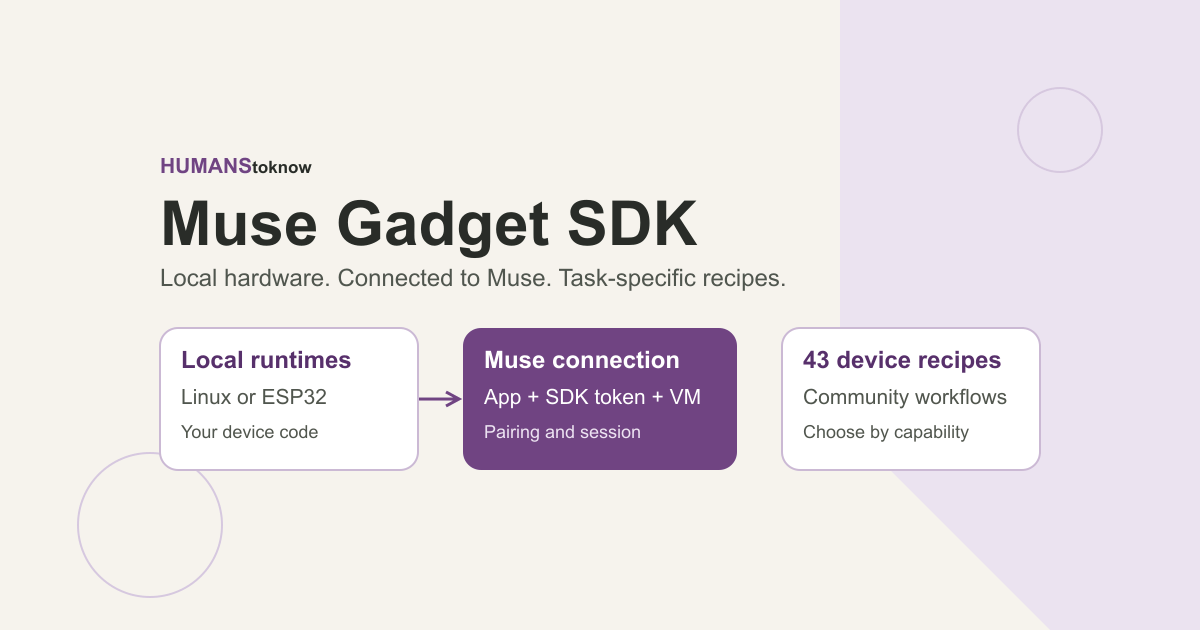
- The skills folder contains 43 community recipes, including a shared Google Cast procedure.
- Use the device recipe’s capability checks and observed state to verify the requested result.
Your Raspberry Pi already runs the backup job. You still open a terminal to find out whether it finished. A useful first Muse gadget could close that small gap: let your agent inspect the machine and return the answer where you already talk to it.
Meta's open-source Muse Gadget SDK gives builders two starting points: firmware for supported ESP32 boards and a Linux client for machines such as a Raspberry Pi. Both connect local hardware to Muse. The repository is a better starting point than a shopping list because it shows what each device can actually do, how pairing works, and where to add your own behavior. Official SDK overview.
This guide is based on source inspection at commit 468e5ba, checked on 3 October 2026. The setup below follows the upstream documentation; it has not been tested on a physical device.
What runs locally, and what stays with Muse?
The gadget firmware or Linux client runs on your hardware. It pairs with the Muse app and connects to your Muse VM, which is the agent's execution environment. The public repository documents that connection; it doesn't provide a supported independent installation of the Muse AI service. Linux architecture.